
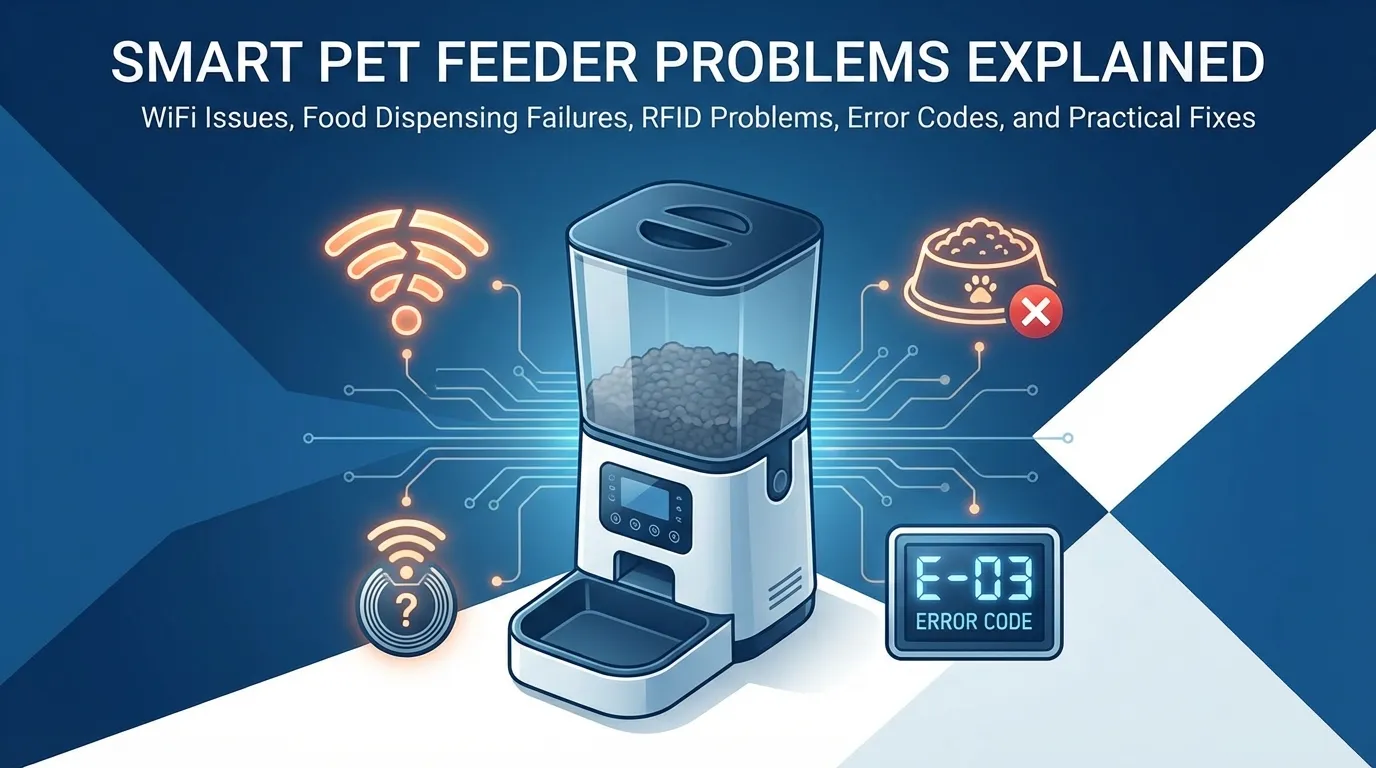
Smart pet feeders seem magical until they start acting up. I have read hundreds of Reddit posts about feeder failures.
Here is what goes wrong and how to fix it.
| Category | Common Symptoms | Potential Fixes & Solutions |
| WiFi & Connectivity | Device shows “offline”; App sync failures; Hotspot interference. |
• Power-cycle the feeder and router. • Remove device from App and re-add. • Delete/reinstall App. • Pro Tip: Remove the feeder’s WiFi hotspot from your phone’s saved networks. |
| Dispensing Failures | Motor stall; Food not dropping; Jammed mechanism. |
• Perform a factory reset (unplug for 30s). • Check for moisture-expanded kibble. • Prevention: Do not overfill; use fresh, dry kibble; manually measure output to verify accuracy. |
| RFID & Multi-Cat | “Buttons locked/unlocked” alerts; Beeping; Bowl won’t open for specific cat. |
• Ensure RFID tag is positioned correctly near the sensor. • Replace the tag battery. • Note: Avoid metal trays, as they can interfere with the RFID signal. |
| Error Codes | Red blinking lights; “E-00” code; Constant beeping. |
• Clear the dispensing hole of any stuck food. • Inspect the auger (spiral screw) for physical damage. • Remove backup batteries and power cord, then restart with a small amount of food. |
| Notifications | Missing “fed” alerts; No confirmation of pet eating. |
• Enable push notifications in system settings, not just the app. • Check if your specific model requires a subscription for advanced feeding alerts. |
WiFi Connection Problems
The most common issue is connectivity. Your feeder shows offline in the app. One user found these steps helped: power-cycling the device, removing the disconnected device from the app, power-cycling the router, and making sure the app was up to date.
Another Reddit user suggested deleting and reinstalling the app. Sometimes the feeder creates its own WiFi hotspot. If so, remove that WiFi signal from your phone saved networks.
If nothing works, try a factory reset. Unplug the feeder, wait 30 seconds, and hold the reset button according to one user.
Food Dispensing Failures
Nothing is worse than your feeder not dispensing food. One Reddit user wrote, “The feeder stopped dispensing food.” I tried power cycling it several times. Tried a factory reset. Nothing.
This happens more than you would think. Food can get stuck in the mechanism. Dry kibble absorbs moisture and expands. The dispensing motor can fail over time.
Prevention tips: use fresh kibble, check the hopper regularly, and do not overfill. One user recommended measuring what actually comes out of the feeder to verify portion accuracy.
RFID and Multi-Cat Issues
If you have multiple cats, RFID feeders should identify each cat. But they do not always work. One user described their feeder yelling “buttons locked” or “buttons unlocked,” beeping continuously, and making unintelligible sounds.
Another user had trouble with one specific cat: I just purchased 6 RFID feeders, and all seem to work okay, but one. I have tried holding the cat’s head down near the feeder, and it just will not open for him.
The fix? Make sure the RFID tag sits properly in the bowl. Metal trays can interfere with the signal. Sometimes you need to replace the tag’s battery.
Error Codes and Beeping
Many feeders display error codes. The dreaded E-00 is common. One user tried unplugging it, removing the batteries, removing the food, and adding a small amount. Still nothing.
Red blinking lights usually mean a jam or motor issue. Check for food stuck in the dispensing hole. Inspect the auger (the spiral screw) for damage.
Notification Failures
You do not know whether your pet ate until you get home. One user complained: I have no notification when a cat has eaten a certain amount of food.
This happens with various brands. Check that push notifications are enabled in your phone settings, not just in the app. Some feeders require a subscription for advanced notifications.
How to Avoid These Problems
Buy from brands with good customer support. Petlibro and Pawsync have responsive support teams. Keep your receipt and register the warranty.
Test the feeder while you are home first. Run it for a week before you actually need it. Catch any issues early.
Have a backup plan. A basic gravity feeder costs $30. Keep one as a backup for emergencies.
The bottom line? Smart feeders are great until they are not. Know the common problems, and you will be prepared when they happen.
