
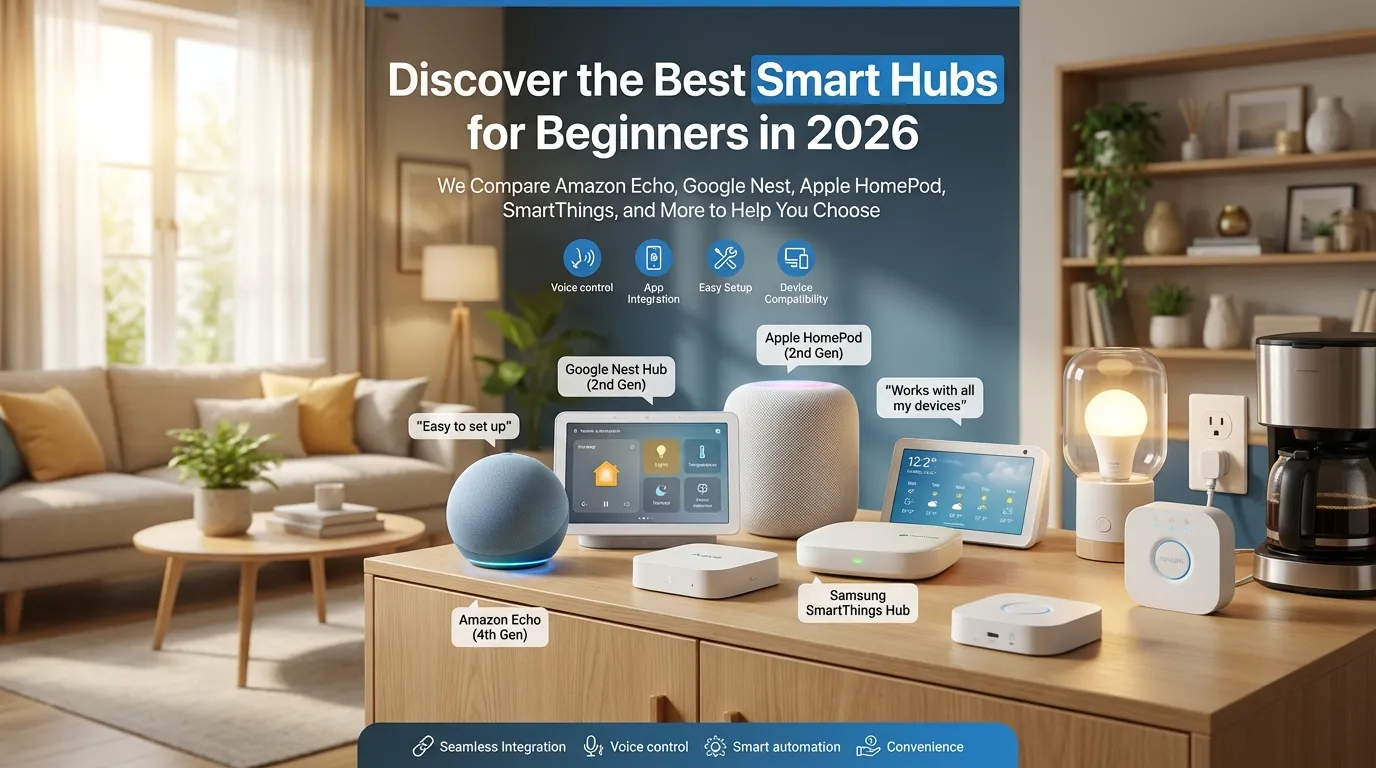
Thinking about getting a smart hub but overwhelmed by the options? I get it. There are tons of choices, and they all claim to be the best. Let’s cut through the noise.
After testing dozens of hubs and reading reviews from PCMag, CNET, and SafeWise, here’s my honest take on the best options for beginners in 2026.
Why You Need a Hub in 2026
If you’re just starting out, you might wonder if a hub is even necessary. The answer depends on your setup. But here’s the thing: with Matter now mature, hubs are more useful than ever.
A hub unifies all your devices. Instead of five different apps, you get one. According to PCMag, hubs are
“a one-stop solution for unifying your connected gadgets and controlling them from one app, instead of many.”
That alone is worth it.
The Best Hubs for Beginners
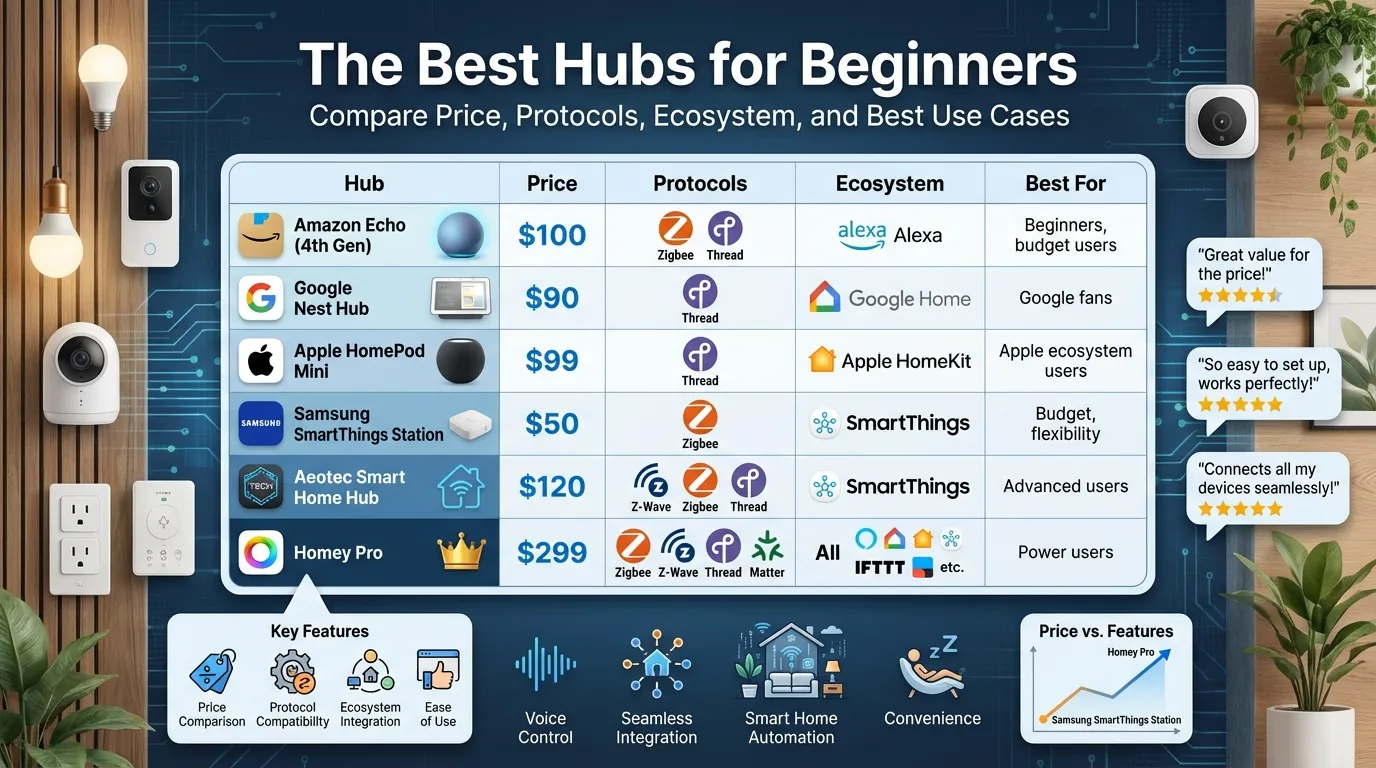
| Hub | Price | Protocols | Ecosystem | Best For |
|---|---|---|---|---|
| Amazon Echo (4th Gen) | $100 | Zigbee, Thread | Alexa | beginners, budget users |
| Google Nest Hub | $90 | Thread | Google Home | Google fans |
| Apple HomePod Mini | $99 | Thread | Apple HomeKit | Apple ecosystem users |
| Samsung SmartThings Station | $50 | Zigbee | SmartThings | Budget, flexibility |
| Aeotec Smart Home Hub | $120 | Z-Wave, Zigbee, Thread | SmartThings | Advanced users |
| Homey Pro | $299 | Zigbee, Z-Wave, Thread, Matter | All | Power users |
My Top Picks
Best Overall: Amazon Echo (4th Gen)
If you’re new to smart homes, go with the Amazon Echo. It’s $100, easy to set up, and works with almost everything. PCMag calls it a
“sleek smart home hub that makes it easy to control connected lights, locks, and other devices by touch or voice.”
The best part? You probably already have one. If not, grab it on sale. ZDNET reports that the Echo Dot often goes for under $50.
Alexa has the biggest skill library. Whatever device you buy, chances are it works with Alexa.
Best Budget: Samsung SmartThings Station
At just $50, this is a steal. It handles Zigbee devices and integrates with SmartThings. PCWorld recommends it as
“the best budget option for flexibility.”
It’s simple, reliable, and won’t break the bank. One Reddit user said SmartThings is “very versatile and can handle any type of automation.”
The setup takes 5 minutes. Plug it in, open the app, and you’re done.
Best for Google Fans: Google Nest Hub
At $90, the Nest Hub offers a touchscreen and voice control. CNET praises it as
“a great way to kick off a Google-based smart home.”
The screen is handy for seeing camera feeds and adjusting controls without talking. You can cast videos to it. You can see your calendar. It’s like a mini command center.
The integration with Google Assistant is smooth. Ask questions, set reminders, control lights. It just works.
Best for Apple Users: HomePod Mini
If you’re in the Apple ecosystem, HomePod Mini is a no-brainer. It’s $99 and doubles as a hub for HomeKit. CNET notes that Apple devices work seamlessly together.
Siri is built in. You get spatial audio if you have multiple HomePods. The sound quality is surprisingly good for the size.
If you have an Apple TV, even better. That combo gives you full HomeKit control plus remote access.
Best for Advanced Users: Homey Pro
Want the most flexibility? Homey Pro supports more protocols than any other hub. Homey boasts that it can bridge Matter, Zigbee 3.0, Z-Wave, and Thread all in one device.
It costs $299, but if you have lots of devices from different brands, it’s worth it. Vetted Home Gear calls it
“better than Aeotec or Aqara for bridging Matter, Zigbee 3.0, and Thread.”
The trade-off is complexity. Homey Pro has a steeper learning curve. But once you get it, you can do almost anything.
What About Aeotec?
SafeWise chose Aeotec as “the best smart hub in 2026, thanks to top-tier compatibility and powerful automation features.”
Aeotec is essentially the official SmartThings hub now. It’s great for Z-Wave devices and offers robust automation. But for beginners? I’d start with the Echo or SmartThings Station first.
My Recommendation
Start with Amazon Echo (4th Gen) or Samsung SmartThings Station. Both are affordable, easy to set up, and future-proof with Matter support.
If you’re already deep in Google or Apple, go with their respective hubs. You can’t go wrong with Nest Hub or HomePod Mini.
Save Homey Pro for later. It’s powerful but has a learning curve.
The Bottom Line
Don’t overthink it. Pick an ecosystem, grab a hub, and start building. You can always upgrade later.
The best hub is the one that works with what you already have. For most people, that’s Amazon Echo.
According to one Reddit user, “SmartThings is very versatile and can handle any type of automation.” That sums it up nicely.
I’ve been through the hub maze myself. Started with Echo, then tried SmartThings, and eventually landed on Homey Pro. The journey taught me one thing: start simple.
Don’t feel pressured to buy the most expensive hub right away. Start with Echo or Nest. Learn what you actually need. Then upgrade if necessary.
