

You have probably seen both at Target or Best Buy. The speakers look like hockey pucks. The displays have screens.
Prices overlap. So what is the actual difference?
I bought three of them last year. Here is what I learned.
What Is a Smart Speaker?
A smart speaker is a voice-first device. You talk to it. It talks back.
Think Amazon Echo Dot, Google Nest Mini, or Apple HomePod Mini. They play music. They set timers.
They answer random questions. That is about it.
According to Wirecutter,
“Voice-controlled smart speakers make it easy to summon music, news, timers, and to control smart devices.”
What Is a Smart Display?
A smart display is a speaker with a screen bolted on. Same voice brain. But now you can see stuff too.
Think Amazon Echo Show, Google Nest Hub, or second-gen Apple HomePad. You get visual weather forecasts.
Recipe steps pop up while you cook. You can watch YouTube.
According to CNET,
“If you are interested in smart home tech, a smart display is a helpful way to view everything you are setting up and controlling within your home.”
Smart Speaker vs Smart Display: Quick Comparison
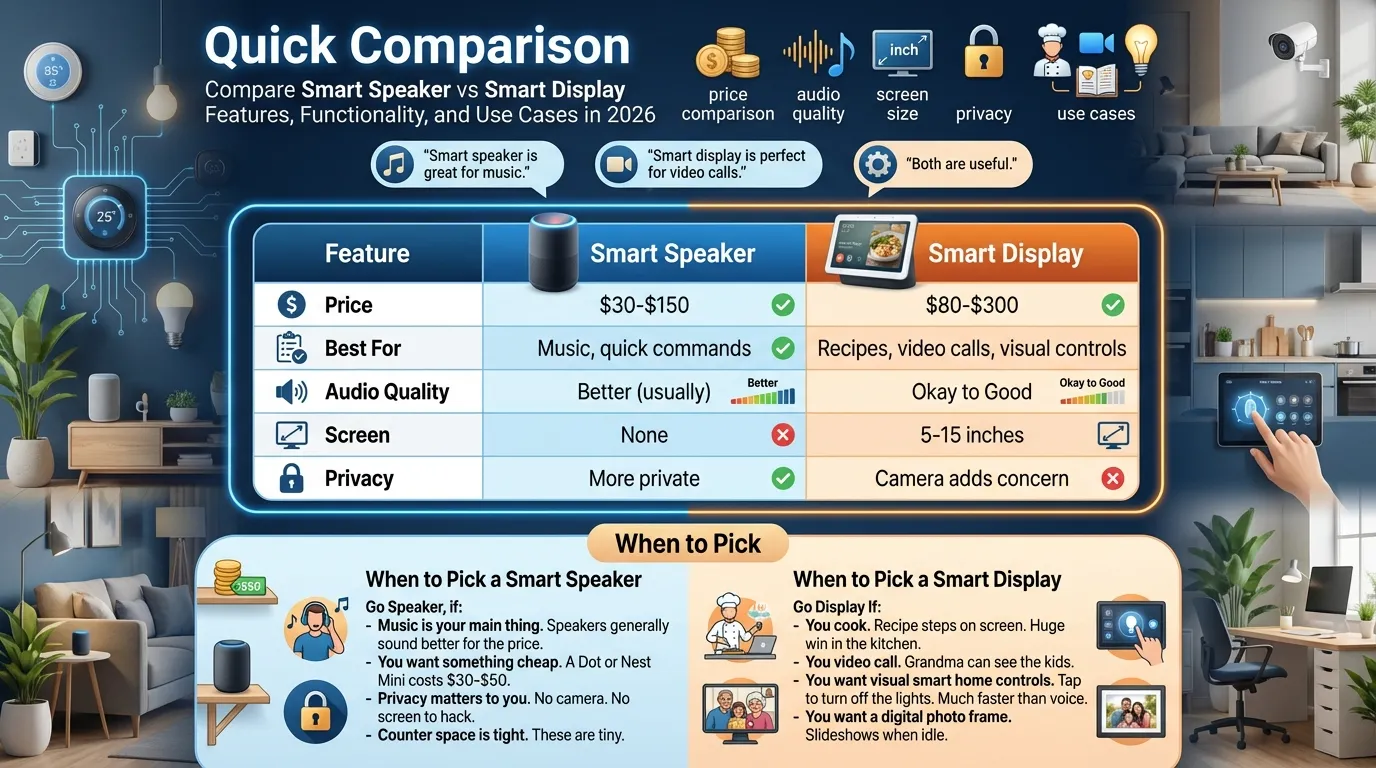
| Feature | Smart Speaker | Smart Display |
|---|---|---|
| Price | $30-$150 | $80-$300 |
| Best For | Music, quick commands | Recipes, video calls, visual controls |
| Audio Quality | Better (usually) | Okay to Good |
| Screen | None | 5-15 inches |
| Privacy | More private | Camera adds concern |
When to Pick a Smart Speaker
Go Speaker, if:
- Music is your main thing. Speakers generally sound better for the price.
- You want something cheap. A Dot or Nest Mini costs $30-$50.
- Privacy matters to you. No camera. No screen to hack.
- Counter space is tight. These are tiny.
When to Pick a Smart Display
Go Display If:
- You cook. Recipe steps on screen. Huge win in the kitchen.
- You video call. Grandma can see the kids.
- You want visual smart home controls. Tap to turn off the lights. Much faster than voice.
- You want a digital photo frame. Slideshows when idle.
My Honest Take
For most people, I recommend starting with a smart speaker.
It is cheaper. It sounds better. You learn voice commands without the distraction of the screen.
Then, if you find yourself wanting to see things, add a display later. Put it in the kitchen. That is where it earns its keep.
One Reddit user said it well:
“The display is nice and I can control some of my color smart bulbs better.” That is the real use case.
The Bottom Line
Smart speaker for music. Smart display for the kitchen. That is the simple breakdown.
Both work with the same voice assistants. Both control the same smart home devices.
The screen is the only real difference. Ask yourself: Do I actually need to see things, or is talking enough?
Still unsure? Drop a comment with your use case. I will help you pick.