
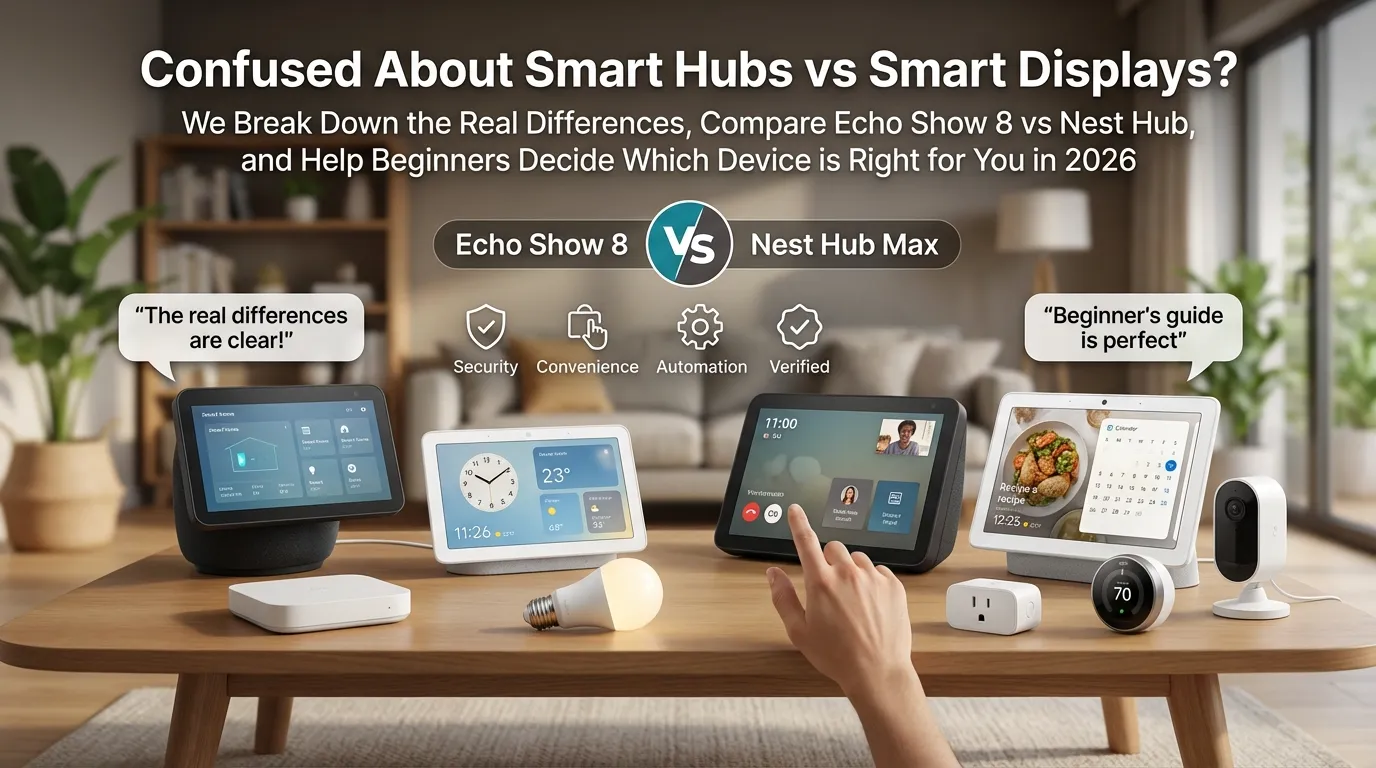
Walk into any electronics store and you’ll see them. Touchscreen panels on the wall. Little screen-speakers on the counter.
Hubs that promise to run your whole house. You just want to turn on the lights without getting off the couch.
They look basically the same. You’re not alone.
Many users asked the same question before buying their first smart home device. The replies were all over the place. That tells you about how confusing this decision is.
Let me break it down simply.
What Is a Smart Hub, Actually?
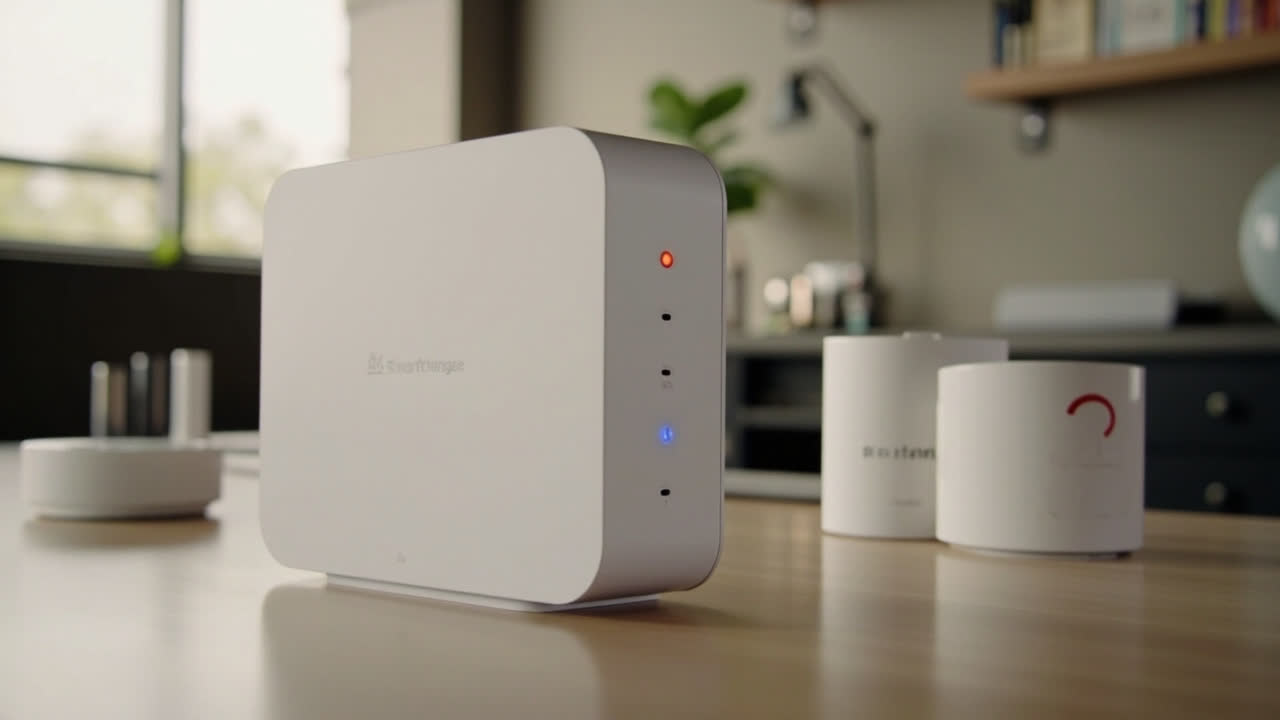
A smart hub is the brain of your smart home. It’s a small box or panel that connects all your devices so they can talk to each other.
Lights, locks, cameras, sensors. Without a hub, your devices might not speak the same language. Most hubs support Zigbee, Matter, or Thread. Those are the languages smart devices use to communicate.
a hub unifies your connected gadgets and lets you control everything from one app instead of five.
You don’t always need a separate hub though. Some devices have it built in. And that’s where things get interesting.
What Is a Smart Display Then?
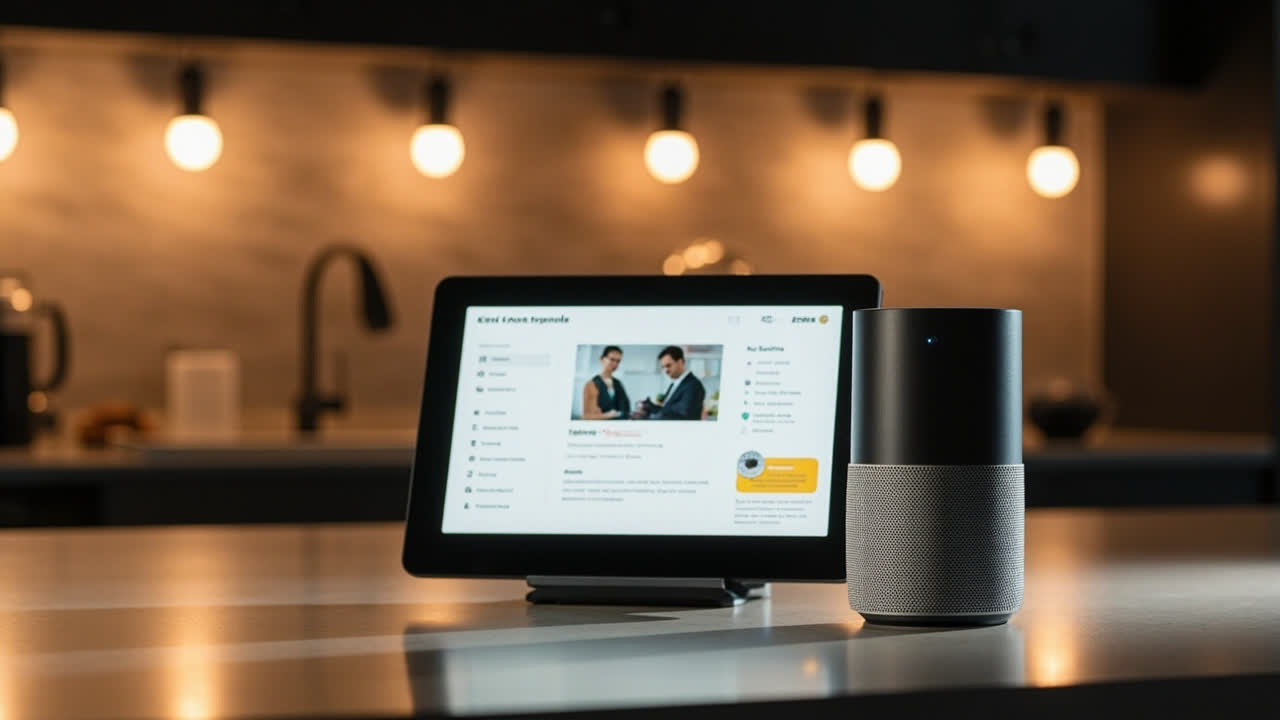
A smart display is exactly what it sounds like. It’s a smart speaker with a touchscreen bolted on. You get voice control plus a screen you can tap and swipe.
The most popular ones are the Echo Show 8 and Google Nest Hub. You can watch YouTube, check your calendar, see who’s at the door, and control your lights. All from the same device.
The key difference is that most smart displays also work as hub controllers. The Echo Show 8 has built-in Zigbee and Matter support.
One Reddit commenter put it plainly:
“Echo routines are more reliable and offer more than Google.”
The question isn’t really hub vs no hub. It’s whether you want a screen or not.
The Real Question: Do You Need a Screen?
Here’s the honest answer from spending way too long researching this.
If you just want voice control for lights and music, a smart speaker is fine. You don’t need a screen.
A smart display is the better starter choice if you want something visual to interact with. Kitchen timers, recipe videos, security camera feeds. The screen changes how you use it daily.
That’s the real fork in the road.
Echo Show 8 vs Nest Hub: The Real Differences
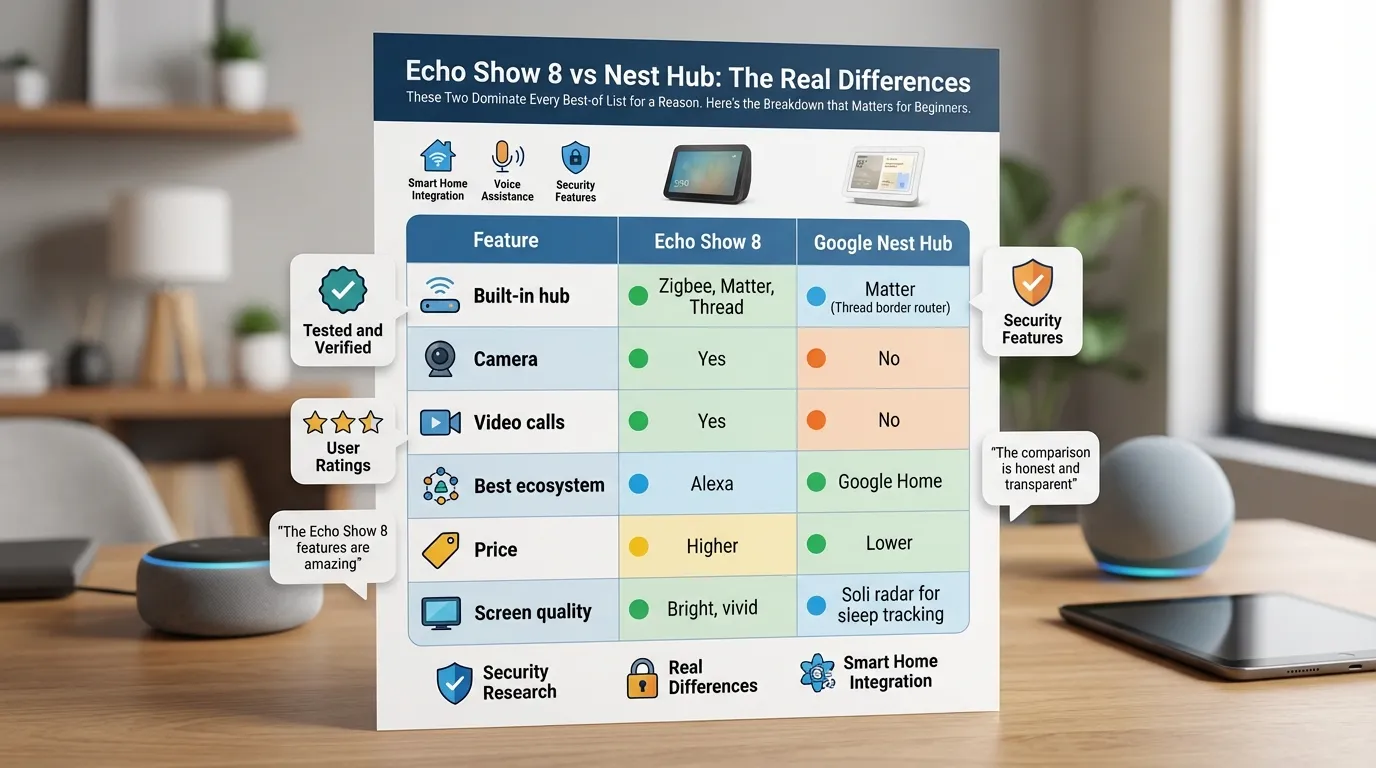
These two dominate every best-of list for a reason. Reviewed picked both as their top smart displays of 2026.
Here’s the breakdown that matters for beginners.
| Feature | Echo Show 8 | Google Nest Hub |
|---|---|---|
| Built-in hub | Zigbee, Matter, Thread | Matter (Thread border router) |
| Camera | Yes | No |
| Video calls | Yes | No |
| Best ecosystem | Alexa | Google Home |
| Price | Higher | Lower |
| Screen quality | Bright, vivid | Soli radar for sleep tracking |
the Nest Hub is better at controlling your smart home and costs less.
The Echo Show 8 wins on video, camera features, and music playback.
If you’re already deep in the Amazon ecosystem, the Echo Show 8 is the obvious call. If you use Google everything, the Nest Hub fits better.
Do You Even Need a Separate Hub Anymore?
Here’s the plot twist. In 2026, you probably don’t.
Most new smart devices connect directly to WiFi. You don’t need a hub to make them work. One Reddit user explained it simply:
if you’re using Wi-Fi devices, you don’t really need a separate hub.
But here’s the catch. Without a hub, you’re relying on each device’s cloud. If your internet goes down, your smart home goes down.
A hub gives you local control. It’s more reliable.
The answer depends on how serious you are. Casual user with a WiFi bulb? Skip the hub.
Whole-house setup with 20-plus devices across Zigbee and Matter? Get a hub.
So Which One Should You Buy?
Buy a smart display if you want one device that does everything.
- Kitchen videos and recipe timers sound useful.
- You want video calling built in.
- You’re starting from scratch and want the simplest setup.
Buy a dedicated hub if you have or plan to have 15-plus devices.
- You care about local control and offline operation.
- You’re running Zigbee or Z-Wave devices.
- You want the most reliable automation possible.
For most beginners, I’d say start with a smart display. The Echo Show 8 is the safest bet for most people.
You get a screen, a speaker, and a hub controller in one device. If you’re already sold on Google Home, the Nest Hub is cheaper and solid.
The Bottom Line
Smart hubs and smart displays aren’t really competing against each other anymore. The line has blurred.
Most smart displays now include hub functionality. Most dedicated hubs now have companion apps with the same features.
The real decision is whether you want a screen. If yes, get a smart display. If you want maximum device support and reliability, get a dedicated hub.
Start small. Add one device. See how you use it. Then decide if you need more. That’s the smart way to build a smart home.
