
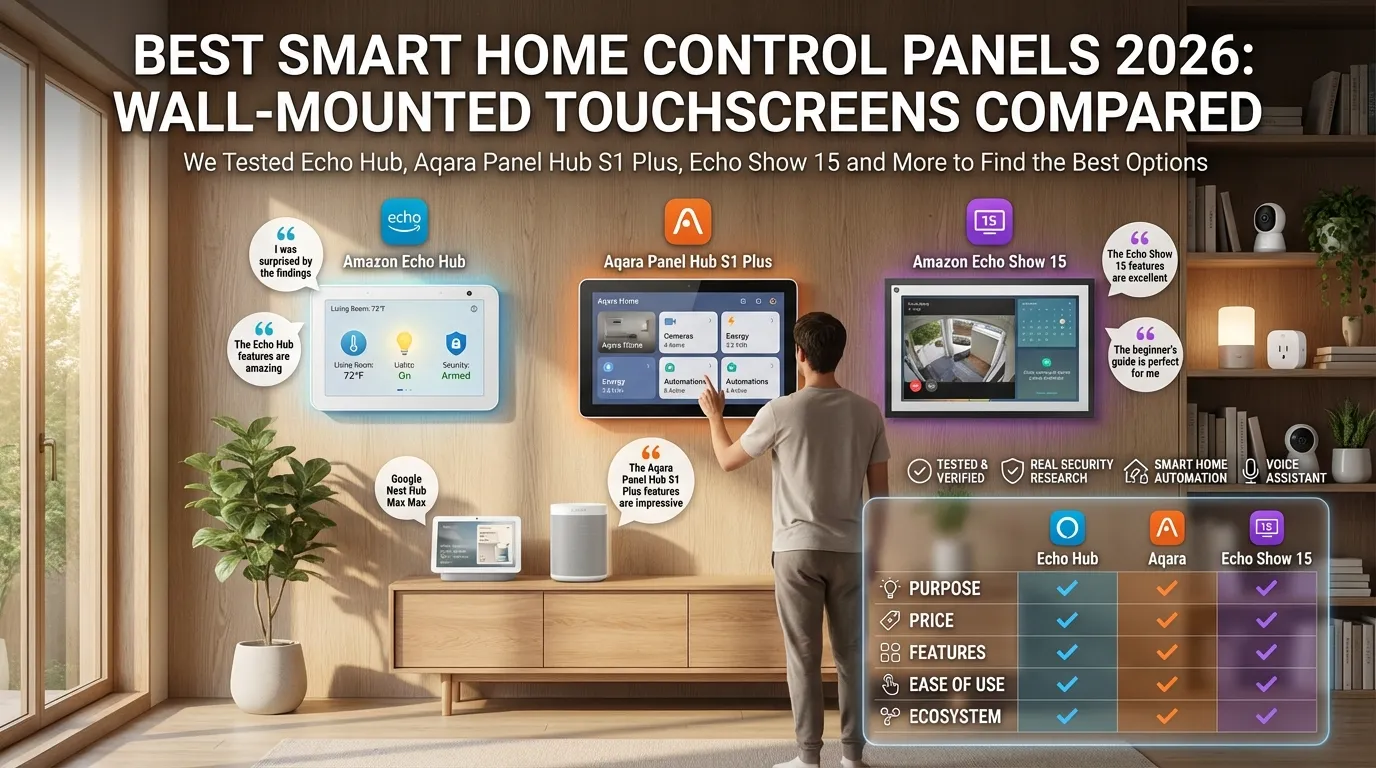
You want to control your smart home from one spot on the wall. No app. No voice. Just tap. That is what a wall-mounted smart home control panel does.
But which ones are actually worth buying in 2026?
We dug into reviews, specs, and real user experiences to find out.
Key Differences at a Glance
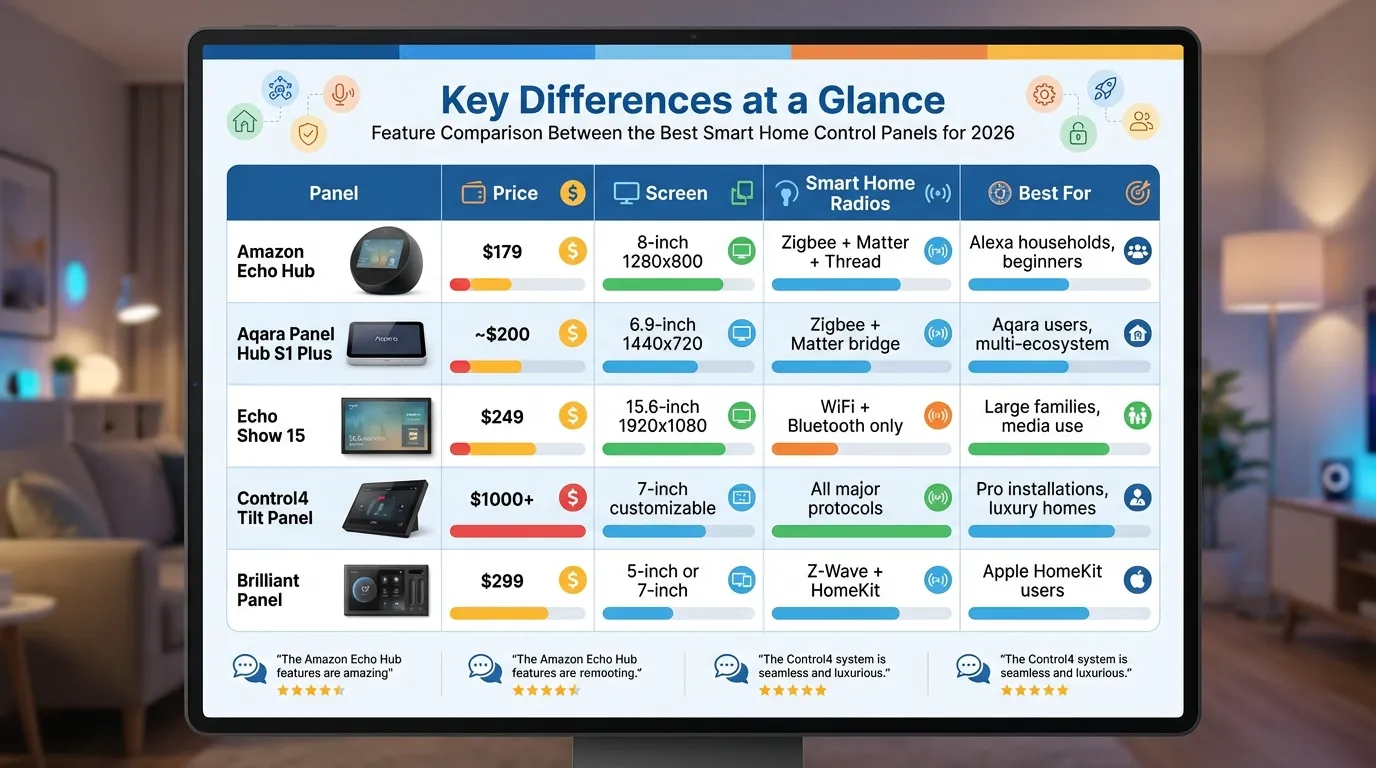
| Panel | Price | Screen | Smart Home Radios | Best For |
|---|---|---|---|---|
| Amazon Echo Hub | $179 | 8-inch 1280×800 | Zigbee + Matter + Thread | Alexa households, beginners |
| Aqara Panel Hub S1 Plus | ~$200 | 6.9-inch 1440×720 | Zigbee + Matter bridge | Aqara users, multi-ecosystem |
| Echo Show 15 | $249 | 15.6-inch 1920×1080 | WiFi + Bluetooth only | Large families, media use |
| Control4 Tilt Panel | $1000+ | 7-inch customizable | All major protocols | Pro installations, luxury homes |
| Brilliant Panel | $299 | 5-inch or 7-inch | Z-Wave + HomeKit | Apple HomeKit users |
Amazon Echo Hub: The Best for Most People
The Echo Hub is $179. It has Zigbee, Matter, and Thread built in. That means you do not need separate hubs for most devices. The 8-inch screen is crisp and bright. The interface is clean, designed specifically for smart home control.
Tom’s Guide calls it “the smart home controller for the rest of us.” It is thin, mounts flush on your wall, and runs a dedicated smart home UI with no ads interrupting your experience.
One Reddit user in a Home Assistant thread said they wanted “a wired panel for the hallway and entry” that the whole family could use. The Echo Hub fits that use case perfectly.
Aqara Panel Hub S1 Plus: Best for Multi-Ecosystem Homes
The Aqara Panel Hub S1 Plus is a 6.9-inch wall panel that doubles as a Zigbee hub and Matter bridge. Trusted Reviews called it “a stylish smart home control panel that is more than just a fancy light switch.” It works across all major ecosystems, not just Aqara.
The catch: it requires a neutral wire for hardwiring. If your light switch box does not have one, installation gets complicated. It also needs to be wired in. No battery option.
But if you want a permanent, clean-looking panel that ties multiple ecosystems together, this is a strong pick.
Echo Show 15: Best for Large Screens
The Echo Show 15 has a 15.6-inch Full HD display. It is essentially a mounted tablet. It runs Alexa, shows recipes, plays videos, and handles video calls. But it has no built-in smart home radios. You still need a separate hub for Zigbee devices.
CNET lists it among the best smart displays for its screen size alone. If you want a panel that doubles as a family command center and media display, the Show 15 is the only option in this price range.
Control4 Tilt Panel: Pro-Level Only
Control4 is in a different category. Systems start around $1000 and go up fast. The Tilt Panel is designed for custom installations by certified integrators.
If you are building a luxury smart home from scratch with a pro installer, Control4 delivers.
For everyone else, the price and complexity make it a non-starter. Unless you are already working with a custom integrator, look at the other options first.
Brilliant Panel: HomeKit in the Wall
The Brilliant Panel is built around Apple HomeKit. It has Z-Wave built in and works natively with HomeKit devices. The 5-inch and 7-inch models look like upscale light switches with a touchscreen brain inside.
If your smart home is built around Apple HomeKit, this is the only wall panel designed specifically for you. For everyone else, the ecosystem lock-in is a real limitation.
What About Using an Old Tablet?
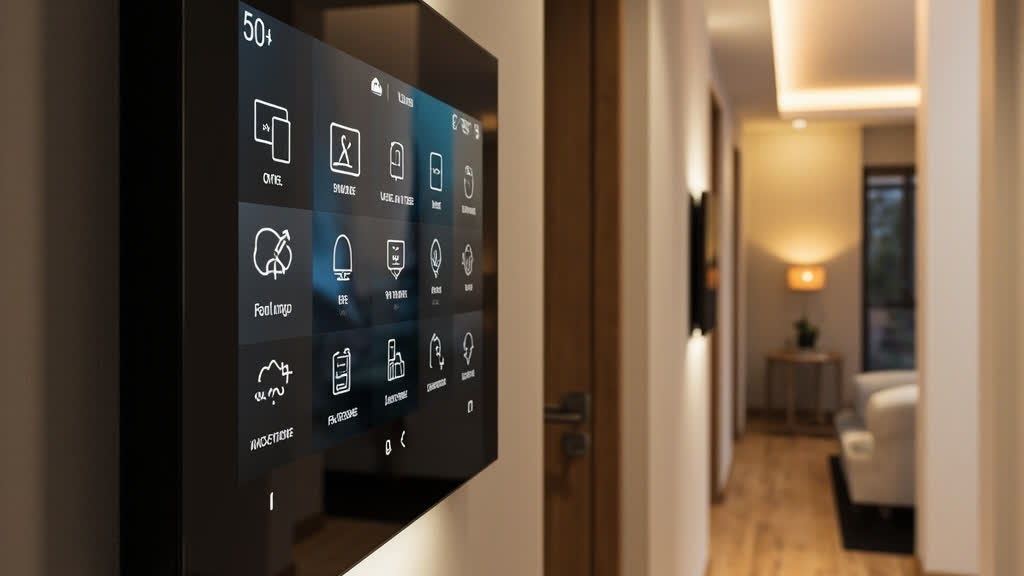
A lot of people ask this. Can you just mount an old iPad on the wall instead? The answer is yes, with caveats. Tablets give you a full app ecosystem and a good screen.
But they are not designed for this. Tablets go to sleep. They need to be charged. They get slow over time. And they are not permanent fixtures.
If you want something that stays on, stays responsive, and does not need babysitting, a dedicated panel wins every time.
What to Look For
- Built-in radios. Panels with Zigbee, Matter, or Thread built in do not need separate hubs. This saves money and reduces complexity. Echo Hub has all three. Echo Show 15 has none.
- Installation requirements. Some panels need neutral wires. Some need hardwiring. Some run on USB power only. Check your wall box before you buy.
- Ecosystem lock-in. Brilliant locks you to HomeKit. Aqara works everywhere but shines brightest if you already have Aqara devices. Echo Hub is the most open by default.
- Camera and video. Echo Show models have cameras for video calls. Echo Hub does not. Aqara S1 Plus has a camera view feature for doorbells. Decide if you need this.
The Honest Recommendation
For most people, the Echo Hub at $179 is the right call. It has the radios, the interface, and the price. It is not the most powerful panel on the market. But it is the best balance of price, features, and ease of use for a household that just wants one place to control everything.
If you are already deep in the Aqara ecosystem and need multi-ecosystem support, the Aqara Panel Hub S1 Plus is the smarter choice. Just make sure you have a neutral wire for installation.
If you want the biggest screen and do not mind managing a separate hub for devices, the Echo Show 15 is your option.
Honestly, if you are just experimenting, start with a smart speaker. You can always add a wall panel later. But if you know you want a permanent household control point, the Echo Hub is the safest first step.
