

If you have ever tried to build an Apple smart home, you probably hit the same wall I did.
Apple Home. HomeKit. Matter.
These words get thrown around like they mean the same thing. They do not. And knowing the difference will save you money and headaches.
Let me break it down simply.
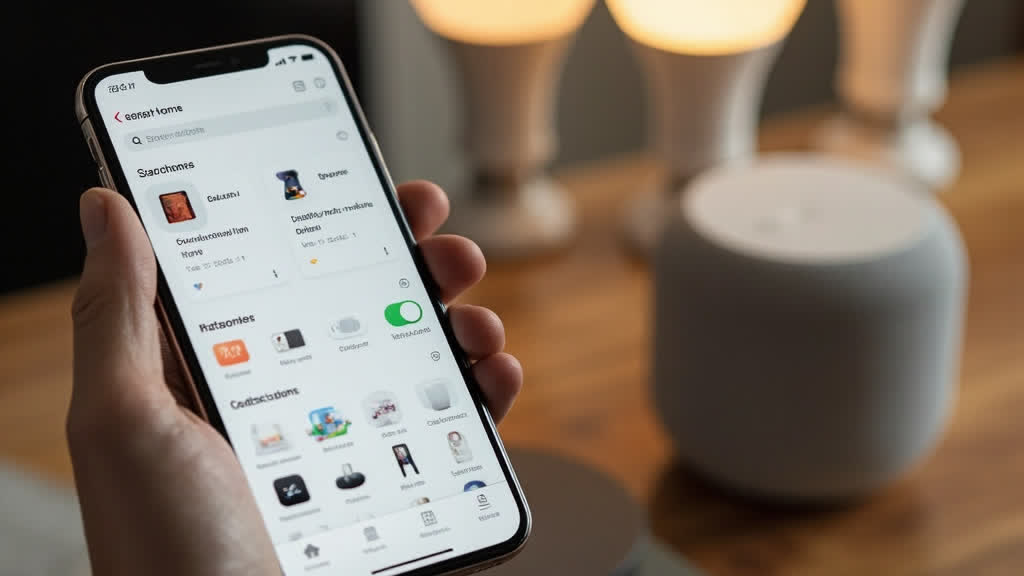
Apple Home vs HomeKit vs Matter at a Glance
| Feature | Apple Home | HomeKit | Matter |
|---|---|---|---|
| What is it? | The app you use | The technology behind it | Universal standard |
| Type | Control interface | Framework/platform | Connectivity protocol |
| Works with | HomeKit and Matter devices | HomeKit-certified devices only | Apple, Alexa, Google, Samsung, and more |
| Device options | Wide range | Limited but certified | Growing fast, many brands |
| Advanced features | Some (via HomeKit) | Adaptive lighting, deep Siri, automations | Basic control only |
| Setup required | Free, built into iOS | HomeKit hub needed | Works with your existing hub |
| Best for | Everyone with an iPhone | Apple power users | Multi-platform households |
What Is Apple Home?
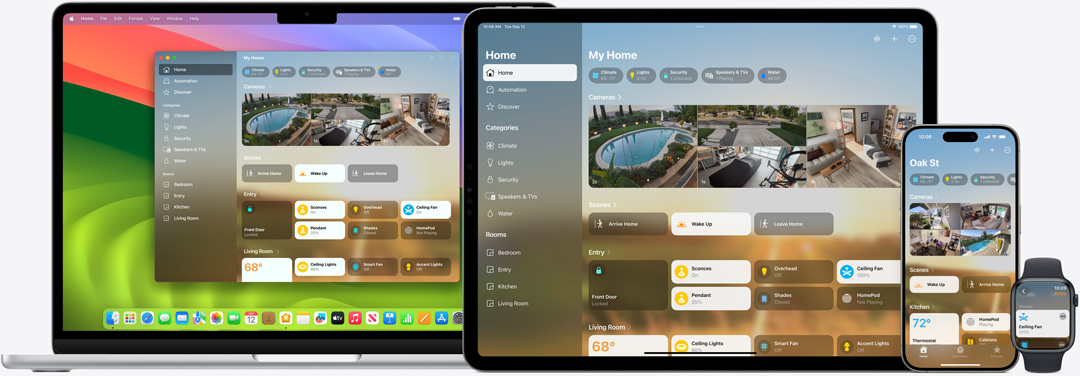
Apple Home is the app on your iPhone, iPad, and Mac. It is the control center. You open it to turn lights on and off, adjust your thermostat, or check your cameras.
Apple Support explains it clearly:
the Home app makes it easier to control all your smart home accessories across all your Apple devices.
That is the key thing to remember. Apple Home is the app. It is not a device or a standard. It is just where you control everything.
What Is HomeKit?
HomeKit is different. It is the underlying framework that makes Apple’s smart home features work.
Think of it like this. Apple Home is the face you see. HomeKit is the engine underneath.
MacRumors describes HomeKit as Apple’s smart home platform designed to let you control various internet-connected home devices. These range from thermostats to plugs to locks.
HomeKit adds special features. Some of these do not exist in other platforms. Adaptive lighting is one example. Another is advanced automation rules that work deeply with your devices.
Here is the catch, though. Only devices that are HomeKit certified can use these deep features.
What Is Matter?
Matter is the new kid on the block. It is a universal smart home standard backed by major companies, including Apple, Google, Amazon, and Samsung.
The Connectivity Standards Alliance describes Matter as a unifying, IP-based connectivity protocol built on proven technologies. It helps connect reliable, secure IoT ecosystems across different brands.
The goal of Matter is simple. Stop the compatibility mess.
Before Matter, you had to check if every device worked with your platform. A light bulb might work with Apple Home but not Alexa. That was frustrating.
PCMag explains Matter as a global, open-source standard that aims to simplify the smart home ecosystem. It allows internet-connected devices from different manufacturers to work together.
How Do They Work Together?
This is where it gets confusing for beginners.
Think of your Apple device as the brain. HomeKit is the programming language it speaks. The Apple Home app is the remote control you hold.
Matter is a universal translator. It helps devices from different brands talk to your Apple setup.
Apple notes that the Home app can control both HomeKit and Matter-enabled accessories. You do not have to choose one or the other.
You can add Matter devices directly to the Apple Home app. You can also add HomeKit-only devices. They all show up in the same app.
Here is what one Reddit user said about Matter:
“Matter does not bring any advantages over HomeKit native support if you are running a HomeKit-based system.”
That is a fair point. But Matter still helps because it opens up more device options.
What About the Hub?
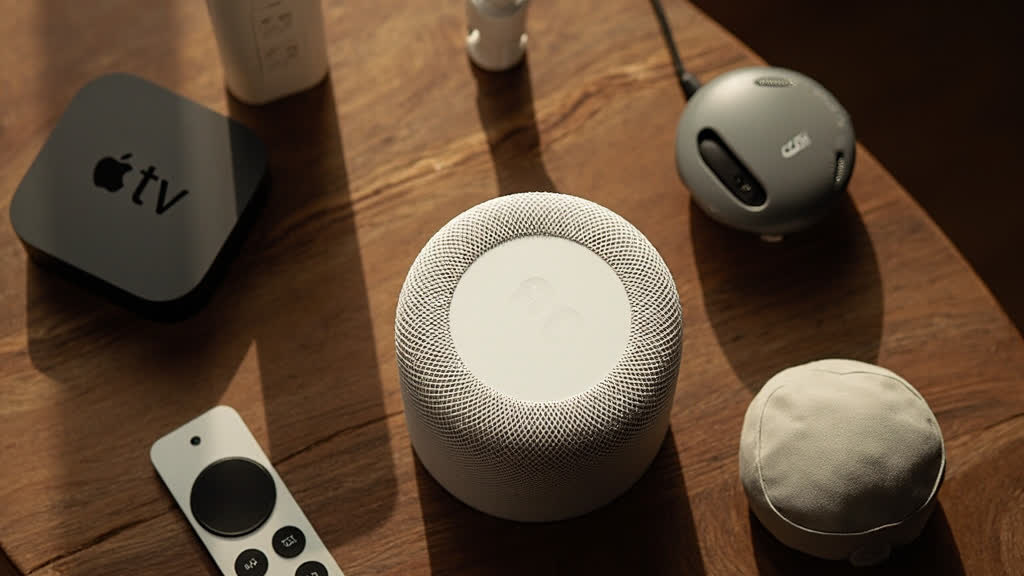
You need a hub to control your Apple Home devices when you are away. Apple offers three options: HomePod, HomePod mini, or Apple TV 4K.
Apple Support confirms that any of these can serve as your home hub. You need one to automate your home and control it remotely.
HomePod and Apple TV 4K also act as Thread border routers. This helps Matter devices connect more reliably. Apple Support notes that Thread-based accessories require a Thread-enabled home hub, such as Apple TV 4K or HomePod.
If you are just starting out, a HomePod mini is the cheapest hub option at .
Which Should You Use?
Honestly? You will probably use both.
Start with Apple Home as your main app. Add Matter devices for basic functions like lights and plugs. Add HomeKit devices when you want advanced features.
One Reddit user gave this advice:
“Look for devices that work with both Matter and HomeKit when possible. This gives you the most flexibility.”
If you are on a budget, Matter devices are cheaper and more widely available. If you want the best Apple experience, HomeKit-certified devices are worth the premium.
The Bottom Line
Apple Home is the app. HomeKit is the technology behind it. Matter is the universal standard that adds more device options.
You do not need to pick just one. The best setup uses Apple Home as your control center with a mix of HomeKit and Matter devices.
For most beginners, I recommend starting with a few Matter bulbs and a HomePod mini. Expand from there based on what you actually need.
The smart home world is less confusing than it used to be. But it still takes some figuring out. Now you have the basics.